Quick Answer: If your Jura keeps prompting to descale after you just did it, the most common causes are: wrong number of tablets used (most models need 3, not 2), descaling cycle interrupted before completing, or tablets that did not fully dissolve before starting. If the machine is stuck mid-cycle, do not turn it off - press the button to advance to the next stage.
Problem 1: Machine Still Prompts to Descale After Completing the Cycle
This is the most common issue. You ran the full descaling program, but the machine immediately prompts again - or the message reappears within a day or two.
Cause A: Wrong number of tablets
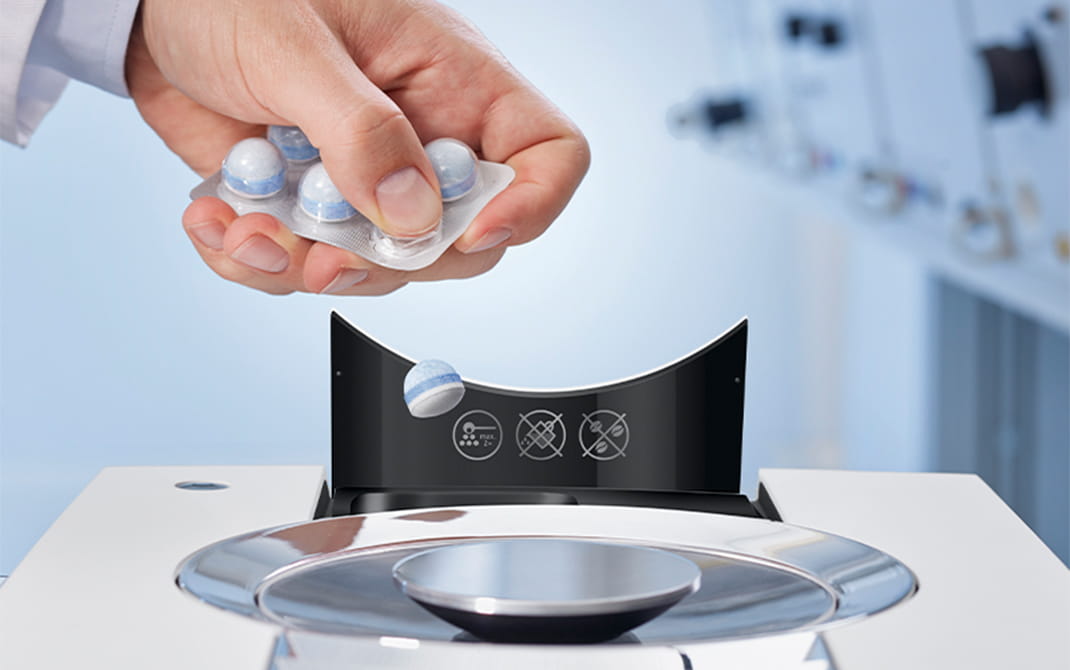
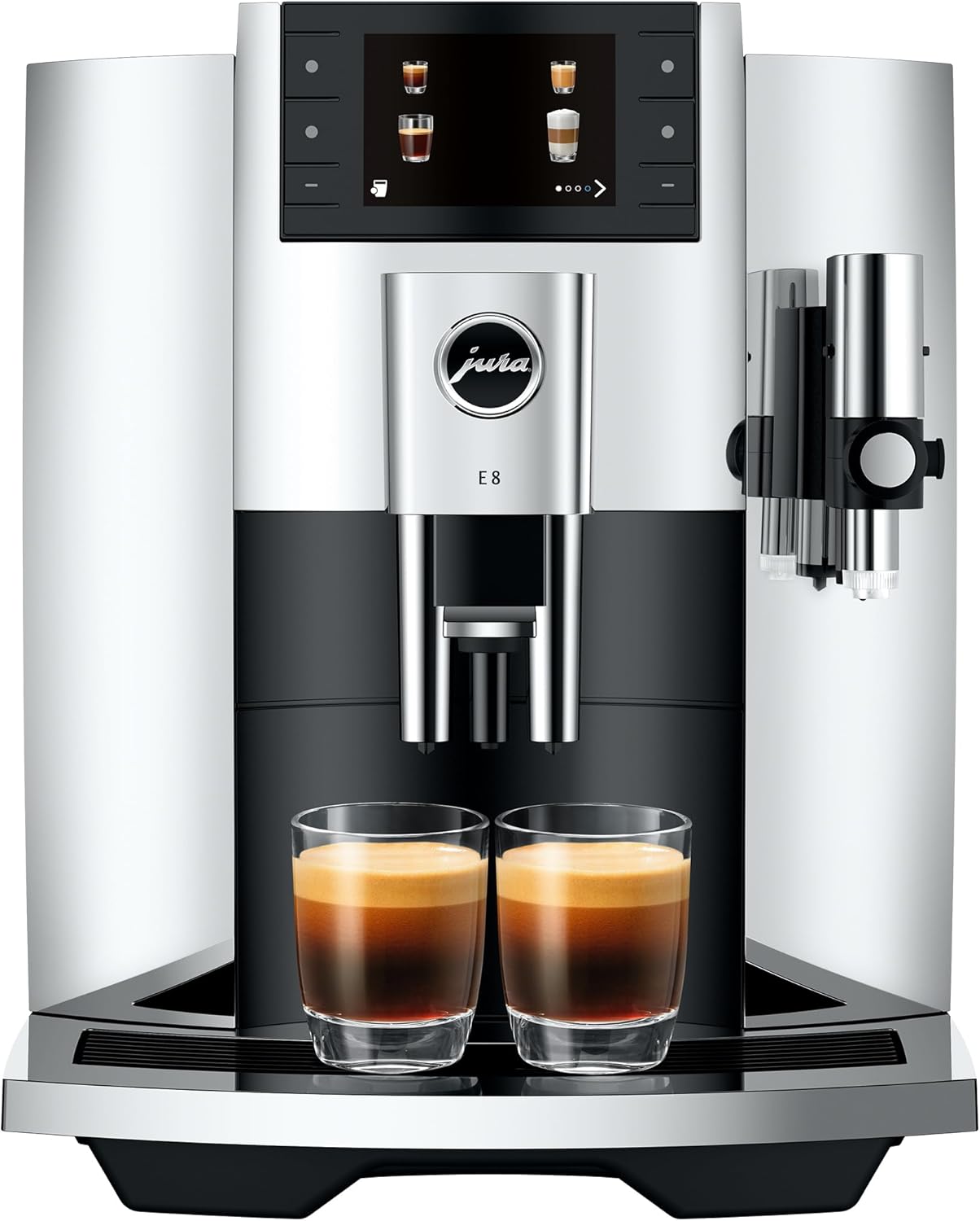
Most current Jura models (E8, S8, Z10, J8, ENA 4) require 3 descaling tablets per cycle, not 2. The quick-start guide and some older documentation say 2 - that information is outdated. Using too few tablets means the descaling solution is too dilute to remove all mineral deposits, and the machine’s conductivity sensor detects remaining scale.
Fix: Run a fresh descaling cycle with 3 tablets dissolved in a full tank of cold water. Wait for tablets to fully dissolve (3-5 minutes) before starting the program.
Official Formula - Use 3 Per Cycle
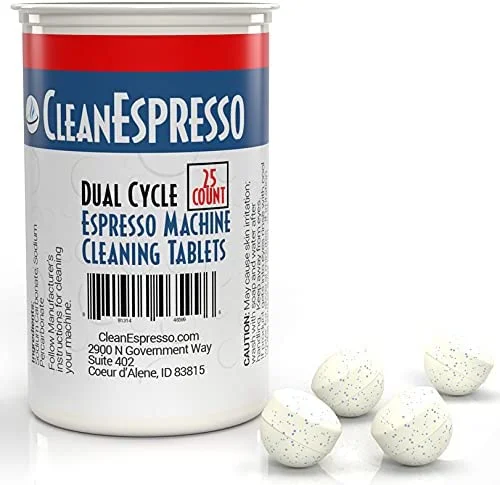
Jura Descaling Tablets
Correct concentration for Jura’s automated descaling program. One box covers 3-4 full cycles.
Cause B: Tablets did not fully dissolve
If you drop tablets into the tank and immediately start the cycle, undissolved chunks pass through the system without fully reacting with mineral deposits. The machine runs the cycle but scale remains.
Fix: Fill the tank, add tablets, wait 3-5 minutes until fully dissolved, then start the program. The water should be clear or very lightly tinted before you begin.
Cause C: Cycle was interrupted
If the descaling cycle was interrupted (power cut, machine turned off, door opened at wrong moment), the machine may not register it as complete. Interrupted cycles can also leave descaling solution residue in the water pathways.
Fix: Run a complete fresh descaling cycle from start to finish without interruption. Set aside 35-45 minutes and stay nearby - the machine will prompt you at several stages to empty the drip tray and proceed.
Problem 2: Descaling Cycle Gets Stuck Mid-Way
The machine stops responding during the descaling program - display shows the same message for 10+ minutes, or the pump runs continuously without advancing.
What to do
Do not turn the machine off. Interrupting a descaling cycle mid-way leaves descaling solution inside the boiler and water paths. This can cause corrosion over time and makes the next descaling attempt less effective.
Press the button to advance. On most Jura models, pressing the rotary switch or main button once advances the cycle to the next stage. Try this if the machine appears stuck.
Check the drip tray. During descaling, the machine pauses when the drip tray is full and waits for you to empty it. If the tray is full and you have not emptied it, the cycle will appear stuck. Empty the tray and the cycle should resume automatically.
If stuck on “Draining”: Some machines take 3-5 minutes to drain completely. This is normal. Wait and the cycle will advance.
If stuck on “Fill water tank”: The tank ran dry mid-cycle. Refill it with plain cold water (no more tablets) and press the button to continue.
Problem 3: Descaling Runs Fine But Coffee Quality Does Not Improve
You completed a full, correct descaling cycle but the coffee still tastes weak, runs slowly, or lacks crema.
This is usually a separate problem
Descaling addresses mineral scale in the boiler and water paths. If scale was not the cause of the quality issue, descaling will not fix it. Common causes of persistent quality problems after descaling:
| Symptom | Most Likely Cause | Fix |
|---|---|---|
| Still weak after descaling | Dirty brew unit (oil buildup) | Run cleaning tablet cycle |
| Still slow flow | Severely blocked brew group | Professional service |
| Still lacking crema | Stale beans or grind too coarse | Fresh beans, finer grind |
| Still cold | Scale not fully removed - repeat descaling | Second full cycle |
If Still Weak After Descaling
Jura Cleaning Tablets
Descaling does not clean coffee oil buildup. If coffee is still weak after descaling, a cleaning tablet cycle is the next step.
Check Price on Amazon →If Still Lacking Crema
Lavazza Super Crema Beans
Stale or wrong beans produce thin crema regardless of machine condition. Medium roast, low oil, works at default Jura settings.
Check Price on Amazon →Problem 4: Machine Shows “Descaling Required” Immediately After Purchasing
New machines occasionally display a descaling prompt right out of the box. This is not a defect.
Why it happens: Jura factory-tests each machine with water. If the test water was moderately hard, or if the machine sat in a warehouse for an extended period, the machine’s scale counter may trigger. Running one descaling cycle before first use is standard practice and takes nothing away from the machine’s lifespan.
Fix: Run a normal descaling cycle with 3 tablets. This is normal first-use maintenance.
Problem 5: Using Third-Party Descaling Products That Do Not Reset the Counter
Some Jura models track descaling via a cycle counter that resets automatically when the machine detects the completion of an official descaling program. If you use a third-party descaler outside of the machine’s automated program (for example, manually running water with citric acid through the system), the counter may not reset.
Fix: Always run descaling through the machine’s built-in descaling program, not manually. Use Jura descaling tablets or liquid descalers that are compatible with the automated cycle. Durgol Swiss Espresso is the most widely used compatible alternative.
Always Resets Counter
Jura Descaling Tablets
Official formula. Compatible with Jura’s automated descaling cycle. Resets the descaling counter on all current models.
Check Price →Best Third-Party Alternative
Durgol Swiss Espresso
Liquid formula, gentle on seals. Use through the machine’s standard descaling program - not manually.
Check Price →How Often Should You Be Descaling?
If you are running the descaling cycle more than once every 6 weeks, the best long-term fix is adding a CLARIS water filter to the tank. The filter removes calcium and magnesium before they enter the boiler, dramatically reducing scale accumulation. Most owners with a CLARIS filter descale 3-4 times per year rather than monthly.
| Water hardness | Without filter | With CLARIS filter |
|---|---|---|
| Soft (0-3 gpg) | Every 3-4 months | Every 6+ months |
| Medium (4-7 gpg) | Every 2 months | Every 4-5 months |
| Hard (8-12 gpg) | Every 4-6 weeks | Every 3-4 months |
| Very hard (12+ gpg) | Every 3-4 weeks | Every 2-3 months |
Prevent Scale Before It Starts
Jura CLARIS Smart Filter
Filters calcium and magnesium from your water before it enters the boiler. Extends descaling intervals from monthly to 3-4 times per year for most households.
FAQ
Can I use the machine while the descaling prompt is active?
Yes. The machine will continue to function with an active descaling prompt. However, do not ignore it for more than 2-4 weeks. Significant scale buildup reduces brew temperature, flow rate, and pump efficiency - and eventual blockages require professional service to clear.
What happens if I turn the machine off mid-descaling cycle?
This leaves descaling solution inside the boiler and water paths. It will not cause immediate damage, but you should run a full fresh water rinse cycle before using the machine. Then complete a full descaling cycle from the beginning. Do not consume drinks brewed immediately after an interrupted descaling cycle.
The machine is displaying a descaling error even though I used 3 tablets - what now?
Some machines with heavy scale buildup require two consecutive descaling cycles to fully clear. Run the program a second time immediately after the first finishes. If the prompt returns after two correct cycles, the machine has significant internal scale that a home descaling cycle cannot fully remove - schedule a service with an authorized Jura center.
My Jura is an older Impressa model - how many tablets does it need?
Older Impressa models (Z-series, J-series, F-series) typically use 2 tablets. Check the manual or the on-screen instructions when you start the descaling program. The display will specify the quantity for your model.
Related guides
Complete descaling and maintenance resources
As an Amazon Associate, we earn from qualifying purchases at no extra cost to you.