Quick Answer: Most Jura alerts clear once you perform the indicated action. CLEAN requires Jura HP cleaning tablets and a full cleaning cycle. DESCALE requires Jura descaling tablets. REPLACE FILTER means your CLARIS cartridge is exhausted and needs a new one. The remaining alerts - RINSE, FILL BEANS, FILL WATER, EMPTY DRIP TRAY, and EMPTY GROUNDS - require only the physical action and no product purchase.
For CLEAN Alert
Jura Cleaning Tablets
The only product that clears the CLEAN alert on all Jura models. One tablet per cleaning cycle.
Check Price →For DESCALE Alert
Jura Descaling Tablets
Dissolve scale from the heating element and internal pipes. Two tablets per descaling cycle.
Check Price →All 7 Jura Maintenance Indicators Explained
| Alert | What It Means | Action Required | Product Needed | Typical Frequency |
|---|---|---|---|---|
| RINSE | Machine is flushing water through the brew group to warm it and clear stale residue | Let the rinse cycle complete - do not interrupt it | None | Every startup and shutdown |
| CLEAN | Coffee oils and residue have accumulated in the brew group over 180-200 drinks | Run a full cleaning cycle with a Jura HP cleaning tablet | Jura HP cleaning tablets (1 per cycle) | Every 180-200 drinks |
| DESCALE | Scale has built up in the heating element and water pipes to a level that affects performance | Run a full descaling cycle with Jura descaling tablets | Jura descaling tablets (2 per cycle) | Every 3-6 months (varies by water hardness) |
| REPLACE FILTER | The CLARIS water filter cartridge has reached its rated capacity of approximately 50 liters | Remove old cartridge, insert new one, reset filter counter in menu | CLARIS Smart Plus or CLARIS Blue (model-dependent) | Every 50 liters (roughly every 2 months) |
| FILL BEANS | The bean hopper is empty or nearly empty | Refill with whole bean coffee - do not use pre-ground in the hopper | None (coffee beans are not a maintenance product) | As needed, based on usage |
| FILL WATER | The water tank is low or empty | Remove tank, refill with fresh cold water, reinsert firmly | None | As needed, based on usage |
| EMPTY DRIP TRAY | The drip tray float has risen to its maximum position, indicating the tray is full | Remove tray carefully, empty and rinse, reinsert | None | Every 2-3 days with regular use |
| EMPTY GROUNDS | The spent coffee puck container is full (typically after 8-10 drinks) | Remove grounds container, empty spent pucks, rinse and reinsert | None | Every 8-10 drinks |
What Happens If You Ignore Each Alert
Some alerts stop the machine immediately. Others let you keep brewing for a while before consequences arrive. Here is what happens with each one if you delay:
CLEAN ignored: Coffee oils oxidize and turn rancid inside the brew group. Within a few dozen more drinks you will notice a bitter, stale aftertaste that no grind adjustment can fix. The brew group also wears faster when coated with old oil residue. Run the cleaning cycle as soon as the alert appears.
DESCALE ignored: Flow rate slows as scale narrows the internal pipes. Brew temperature drops as scale insulates the heating element. Eventually you get blockages that require either professional servicing or a very aggressive descaling cycle. This is the most expensive alert to ignore.
REPLACE FILTER ignored: The exhausted filter stops removing calcium and magnesium ions. Scale buildup accelerates from that point forward, compressing your descaling interval. If you do not use a filter, make sure the filter setting in the menu is turned off so the scale counter calibrates correctly.
FILL BEANS, FILL WATER, EMPTY DRIP TRAY, EMPTY GROUNDS ignored: The machine stops making coffee until you clear the alert. No lasting damage, but no coffee either. These are the most routine interruptions and take 30 seconds to resolve.
For REPLACE FILTER Alert
Jura CLARIS Filter
When the REPLACE FILTER alert fires, swap in a fresh CLARIS cartridge and reset the counter in the menu. Fits E8, S8, ENA 4, and most current Jura models.
Checking Maintenance Status Before Alerts Fire
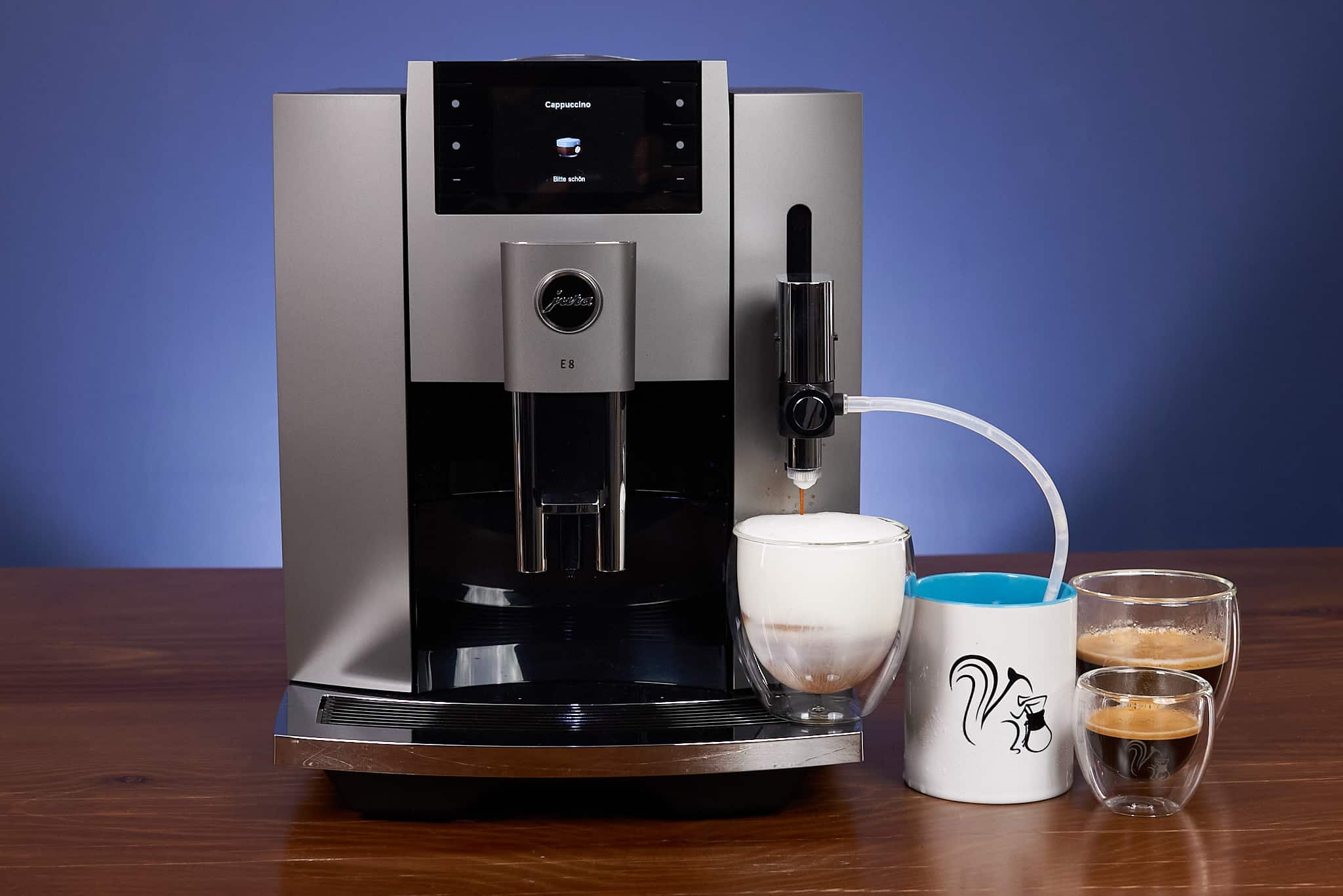
Most current Jura models (E8, S8, Z10, GIGA 6) include a Maintenance Status screen in the menu. This shows the current countdown for cleaning and descaling cycles - for example, “Cleaning in 47 products” or “Descaling in 3 months.” Checking this periodically lets you plan ahead and have the right tablets on hand before the alert appears.
On the E8: go to Menu - Maintenance. You will see current progress toward each maintenance threshold.
When Alerts Return Immediately After You Clear Them
DESCALE reappears right after descaling: Scale buildup is heavy enough that one cycle did not fully remove it. Run a second descaling cycle immediately using fresh tablets. This is common on machines that have not been descaled in a year or more. After two cycles, the alert should clear. If it reappears a third time, the machine may need professional descaling or there is a sensor issue.
CLEAN reappears right after cleaning: The cleaning tablet may not have dissolved fully, or the cleaning cycle was interrupted. Try again with a fresh tablet and make sure the water tank has enough water to complete the full cycle (typically around 500ml). If the machine was powered off mid-cycle, it may not have registered the completed cleaning.
FILL BEANS reappears after refilling: Check that the beans have actually dropped into the grinder chute and are not sitting high in the hopper without reaching the grinder. Also check that the grinder bypass is not set for pre-ground coffee when you are using whole beans.
For error codes that go beyond the standard maintenance alerts - such as numbered error codes or flashing indicators that do not match any alert text - see the Jura error codes guide. For a full cleaning and descaling schedule organized by machine model, see the Jura cleaning schedule and the descaling guide.
Stay on Schedule
Full Jura Cleaning Schedule
See the complete maintenance calendar for every Jura model - how often to clean, descale, and replace the filter, organized in one easy reference guide.
View Schedule →As an Amazon Associate, we earn from qualifying purchases at no extra cost to you.